BedVibe Tools Toolkit bundle
Record, inspect, clean, prepare.
Back to TTS Contact
Speech Dataset Toolkit

One toolkit bundle for recording, cleaning, inspecting, and preparing speech datasets.

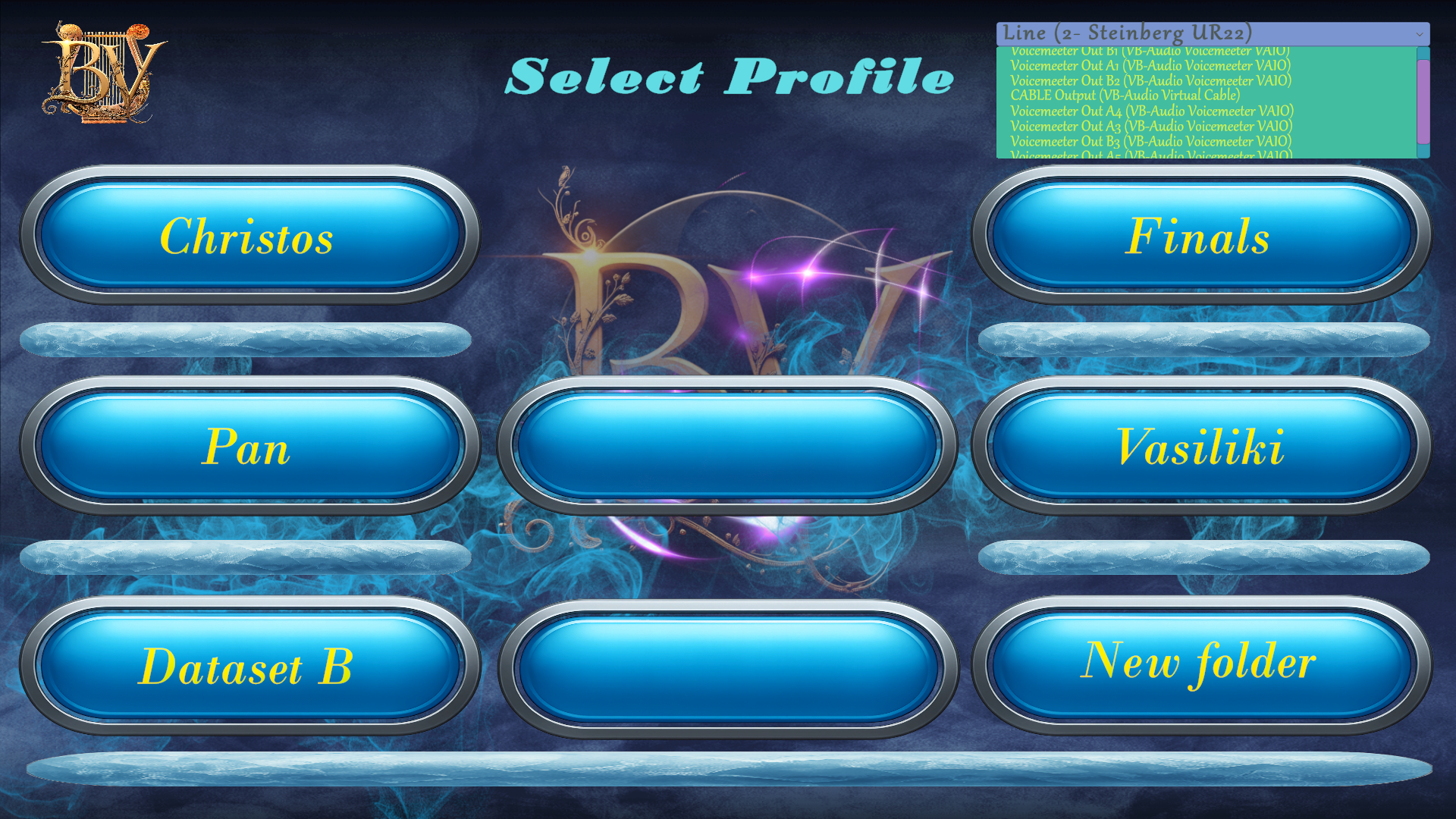
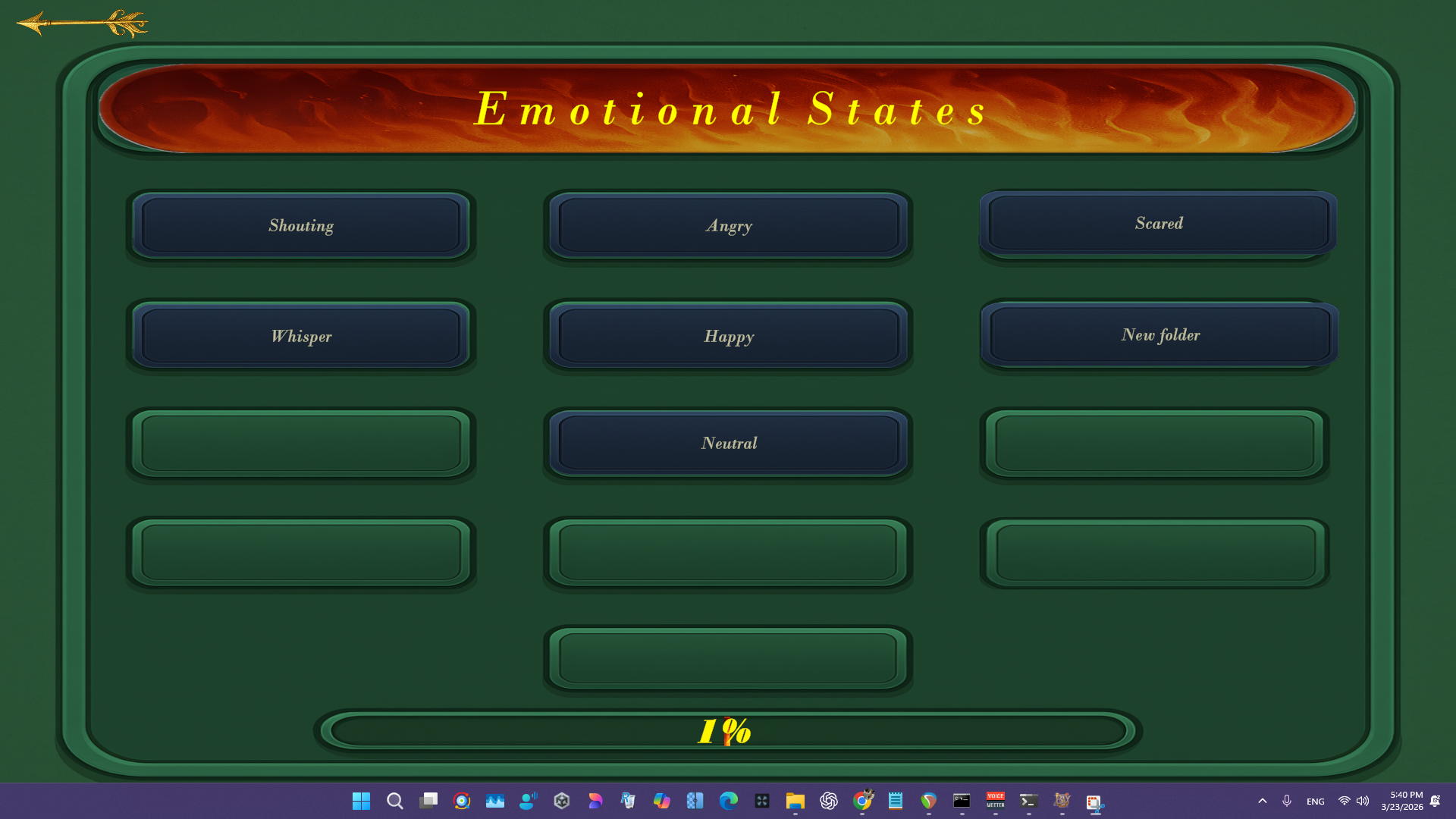
This bundle combines the BedVibe Speech Dataset Recorder with the smaller desktop tools used around it: trimming, duration counting, clipping checks, onset checks, RMS reports, peak scans, and dataset QA passes.

Speech Dataset Recorder Trim / Cleanup Folder Duration RMS / Peak checks Noise / Clipping checks Batch utilities
One payment. One account-bound unlock. One toolkit download for the owner account.

Included Utility Tools

These tools are part of the toolkit bundle.

Trim

Included

Recursive WAV trimmer for mono files. It reads thresholds and fade settings from a local .env, trims in place, and writes a trim_report.txt sorted by total trimmed milliseconds.

Mono WAVIn-place trimReport file
  • Put the exe and its .env next to the target folder or pass a folder path.
  • Set pre/post buffer and fade values in .env.
  • Run it on the folder and read trim_report.txt.

Duration Scanner

Included

Scans the current folder recursively for WAV files, writes per-file duration lines, and appends the total dataset duration to durations_precise.txt.

Recursive scanPer-file timingsTotal duration
  • Run it inside the folder you want to measure.
  • It scans all WAV files below that folder.
  • Open durations_precise.txt for the totals.

Pre / Post Detector

Included

Measures the first and last ten-millisecond windows that cross a threshold, then reports the lowest pre, lowest post, and lowest combined values in pre_post_report.txt.

Threshold scanLead / tail checkdBFS report
  • Set THRESHOLD in .env if needed.
  • Run it in the target folder.
  • Read pre_post_report.txt for flagged edge cases.

RMS Folder Stats

Included

Dataset-structure report tool that groups results by dataset, gender, speaker, language, and emotion, then writes average RMS, min RMS, max RMS, and max peak values to rms_report_by_emotion.txt.

Dataset schemaRMS / peak reportEmotion grouping
  • Use --root to point to your dataset root.
  • Optionally set --out and --no-fx.
  • Open the generated report grouped by emotion.

Lowest Overall RMS

Included

Finds the lowest-RMS 32-bit float WAV files in the current tree and writes the sorted list to lowest_overall_rms.txt.

32-bit float WAVRMS rankingQuietest files
  • Run it inside the target folder.
  • It scans only valid 32-bit float WAV files.
  • Read lowest_overall_rms.txt for the lowest files.

Lowest Sound Detector

Included

Finds the quietest onset windows using RMS, peak, or both modes and writes report files with onset time and level.

Onset timingRMS / peak modesThreshold-based
  • Set THRESHOLD and MODE in .env.
  • Run it in the target folder.
  • Check the saved reports for the quietest onsets.

Clip / Plosive Detector

Included

Scans for clipping-like runs of consecutive samples above a threshold and writes the flagged relative paths to a report file.

Threshold + marginConsecutive hitsRecursive scan
  • Set the input folder, output file, threshold, and consecutive-hit values in .env.
  • Run the tool on the target folder.
  • Read the saved report for flagged files.

Destroyed Audio Detector

Included

Flags zero-length files, very short files, unsupported formats, very low-energy files, and corrupted WAVs, then writes the results to ras_report.txt.

Corruption checkLow energyBad file report
  • Run it inside the folder you want to check.
  • It walks subfolders recursively.
  • Open ras_report.txt for all flagged files.

Highest Peak Finder

Included

Scans 32-bit float WAV files, ranks them by maximum absolute peak, and writes the top files to top_peak_files.txt.

32-bit float WAVPeak rankingTop report
  • Set the input folder and output file in .env if needed.
  • Run it on the folder.
  • Check the saved peak report.

Background Noise Detector

Included

Screens noisy takes and identifies recordings with elevated noise floor for later review or removal.

Noise floorScreeningBatch QA
  • Run it against the target folder of recordings.
  • Review the saved output for flagged noisy files.
  • Use it before final dataset export.
Toolkit bundle · €19 one-time

Buy once, download with the same account

After ownership is stored on your BedVibe account, this page switches from buy to download automatically.